
Introduction
As businesses grow more data-driven, the need for fast, secure, and reliable servers rises dramatically. Industries like finance, healthcare, and gaming push for hardware that can handle heavy loads without breaking a sweat. Different hosting options exist, from shared servers to cloud platforms, each with distinct advantages and limitations. But sometimes, organizations pick a more powerful, dedicated solution — the bare metal server. Understanding what is bare metal server technology can help you determine if this robust hosting option aligns with your business needs. This comprehensive guide will explain what a bare metal server is, its key benefits, how it compares to other hosting types, and when you should consider implementing one for your organization.
Every GigeNET dedicated server is a bare metal server: one physical machine for one customer, with no hypervisor of ours between you and the hardware. Plans start at $126 a month in Chicago and Los Angeles.
What Is a Bare Metal Server?
Definition and Core Concept
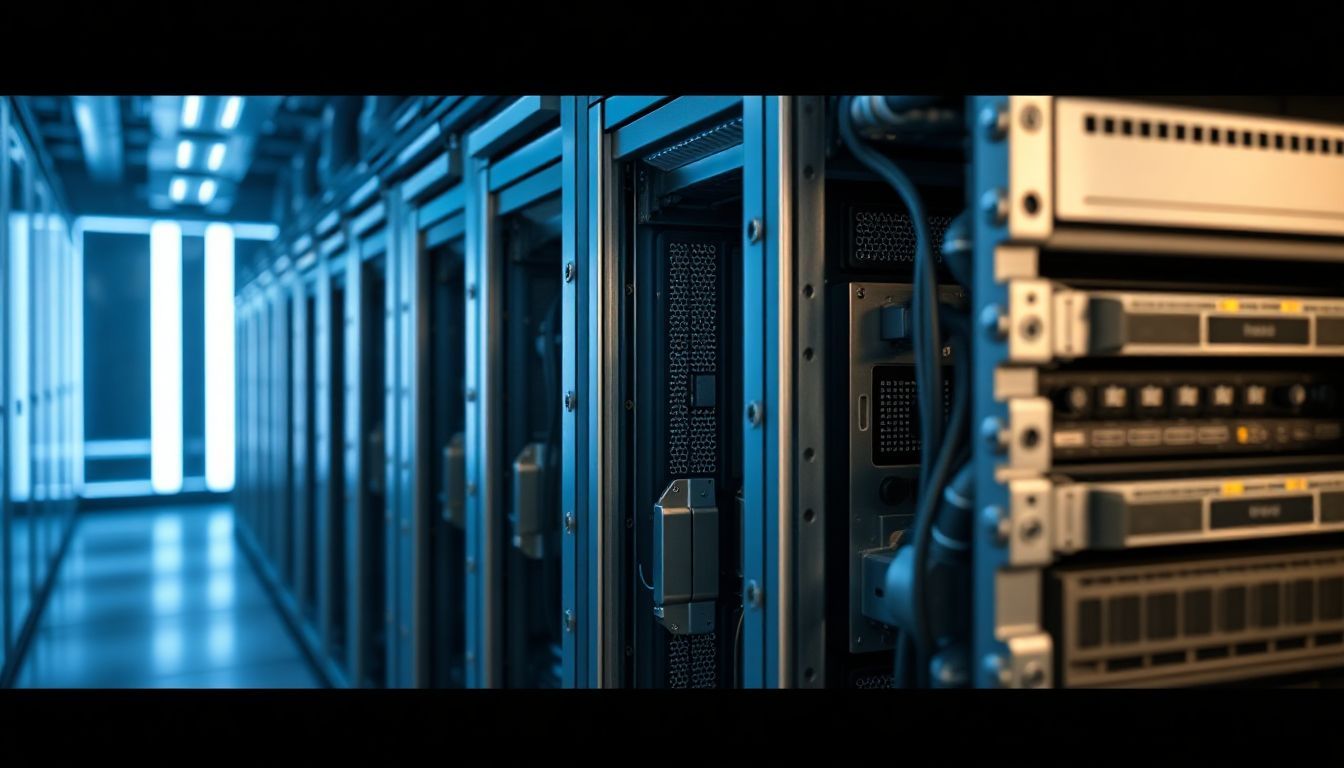
A bare metal server is a standalone physical machine that belongs entirely to one user or organization. Unlike cloud or virtual servers, it doesn’t run multiple virtual machines on top of shared hardware resources. Instead, you get full control of the entire server hardware architecture.
Think of it as owning a house instead of renting an apartment. You control every component, from the CPU and memory to the storage drives and network cards. This setup means you can customize the server to match your exact performance requirements, without sharing resources with other users or applications.
The term “bare metal” refers to the fact that the server operates directly on the physical hardware, without a virtualization layer. This direct hardware access eliminates the overhead typically associated with virtualized environments, resulting in maximum performance and efficiency.
How Bare Metal Servers Differ from Other Hosting Types
Many hosting plans seem similar at first glance, but they operate quite differently under the hood. Here’s how bare metal servers compare to other popular hosting options:
Shared hosting: Multiple websites sit on the same server, sharing CPU, memory, and storage resources. This is the most affordable option but significantly limits performance and flexibility. Resource contention can cause slowdowns during traffic spikes.
VPS (Virtual Private Server): A physical server divides into smaller virtual servers using virtualization technology. You get some control and guaranteed resources, but the underlying hardware is still shared among multiple users. Performance can be affected by “noisy neighbors.”
Cloud hosting: Resources are pooled across many servers and allocated dynamically based on demand. It offers excellent scalability and flexibility but can have unpredictable costs and performance variations due to the shared infrastructure.
Bare metal: You rent an entire physical server for your exclusive use. You get dedicated hardware with maximum control, predictable performance, and the ability to customize every aspect of the server environment.
Choose a bare metal server when performance, security, and customization really matter. It’s perfect for applications demanding top speed, consistent performance, and full hardware control.
Benefits of Using a Bare Metal Server
High Performance and Reliability
Because all hardware resources are yours alone, there’s no competition for CPU cycles, memory bandwidth, or storage I/O. This means your applications run faster, with fewer delays or crashes. The absence of virtualization overhead also contributes to superior performance.
Businesses that need real-time data processing or handle massive transaction volumes prefer bare metal servers. For instance, high-frequency trading platforms depend on microsecond-level latency, which only dedicated hardware can consistently deliver. The predictable performance characteristics make capacity planning much more straightforward.
Additionally, bare metal servers offer better fault isolation. If another user’s application crashes on a shared system, it won’t affect your operations. This isolation significantly improves overall system reliability and uptime.
Customization and Control
Have you ever wished you could tweak your server configuration to fit your specific workflow? Bare metal servers give you that opportunity. You can choose the operating system, install specific software versions, configure kernel parameters, or optimize hardware settings for your particular use case.
Want a particular type of SSD for faster database operations? Need specialized network cards for high-bandwidth applications? It’s entirely your decision. This level of control helps tailor the environment for specific jobs, whether that’s running custom algorithms, specialized databases, or proprietary applications.
You also have complete control over security configurations, monitoring tools, and backup strategies. This flexibility is particularly valuable for organizations with unique compliance requirements or specialized performance needs.
Security and Compliance
Physical separation from other users dramatically reduces the chances of data leaks, side-channel attacks, or unauthorized access. If security is a top concern, a bare metal server offers significant peace of mind through hardware-level isolation.
Many industries like healthcare and finance have strict compliance rules and regulations. Choosing a bare metal server makes it easier to meet standards like HIPAA, PCI DSS, or SOX, since you control physical access, security measures, and data handling processes.
The dedicated nature of bare metal servers also allows for specialized security implementations, such as hardware security modules (HSMs), custom encryption solutions, or air-gapped network configurations that would be impossible in shared environments.
Cost-Effectiveness for Certain Workloads
Although upfront costs can be higher than shared hosting options, bare metal servers may save money over time for resource-intensive applications. If you have power-hungry applications or need large amounts of storage and bandwidth, dedicated hardware can be significantly cheaper than cloud options that charge per use.
Think of it like owning a car versus renting one; for constant, predictable use, ownership often pays off. Organizations running consistent workloads can benefit from the predictable monthly costs of bare metal servers, avoiding the surprise bills that can come with pay-as-you-go cloud services.
For businesses with steady, high-resource requirements, bare metal servers offer better price-to-performance ratios compared to equivalent cloud instances, especially when factoring in data transfer costs and premium support fees. To compare current prices, see our dedicated server specials.
Common Use Cases and Industry Applications
Enterprise and Data Centers
Large companies rely on bare metal servers to run mission-critical applications like enterprise databases, customer relationship management (CRM) systems, and large-scale backup operations. For example, a bank might use dedicated servers to support customer transactions, ensuring both speed and security compliance.
Enterprise resource planning (ERP) systems, which integrate various business processes, often perform better on bare metal servers due to their need for consistent performance and extensive customization. The predictable performance characteristics make these servers ideal for service-level agreement (SLA) commitments.
Gaming and Media Streaming
Game studios and streaming services need servers that deliver content with minimal latency and maximum throughput. Hosting game servers on dedicated hardware reduces lag and helps manage heavy traffic spikes that occur during peak gaming hours or major releases.
When millions of players join an online game simultaneously, speed and stability become crucial for user experience. Bare metal servers provide the consistent performance needed to handle real-time multiplayer interactions without the performance variations that can occur in virtualized environments.
Media streaming platforms also benefit from the dedicated bandwidth and processing power, ensuring smooth video delivery even during high-demand periods like major sporting events or popular show premieres.
High-Performance Computing (HPC)
Researchers and scientists use bare metal servers for complex calculations, such as weather simulations, molecular modeling, or artificial intelligence training. These servers excel at parallel processing, handling thousands of calculations simultaneously without virtualization overhead.
Academic institutions and research organizations often require specialized hardware configurations, such as high-memory systems or GPU clusters, which are easier to implement and optimize on bare metal infrastructure. The direct hardware access allows for fine-tuning that can significantly improve computational efficiency.
Custom Hosting for Developers and Startups
Startups with specific technical requirements often build development and testing environments on bare metal servers. It’s also an excellent way to scale, as you can add more hardware when your business expands or upgrade components as needed.
This flexibility makes bare metal perfect for innovative projects and bespoke solutions that require custom software stacks or specialized configurations. Development teams can experiment with different technologies without the constraints imposed by shared hosting environments.
Choosing the Right Bare Metal Server Provider
Factors to Consider
When evaluating bare metal server providers, several key factors should influence your decision:
Hardware specifications: Look for servers with the CPU architecture, RAM capacity, and storage options you need now and in the future. Consider whether you need specialized components like GPUs, high-speed networking, or specific storage types.
Location and connectivity: Data center locations can significantly influence latency and compliance requirements. Choose providers with facilities in regions that serve your target audience effectively.
Support and SLAs: Ensure the provider offers responsive technical support and guarantees uptime through service level agreements. Look for providers with 24/7 support and proven track records.
Scalability options: Consider how easy it is to upgrade hardware or add additional servers as your needs grow. Some providers offer flexible upgrade paths and quick provisioning of additional resources.
Network infrastructure: Evaluate the provider’s network capacity, redundancy, and connectivity options. High-quality network infrastructure is crucial for optimal performance.
Best Practices for Deployment
Successfully deploying bare metal servers requires careful planning and execution:
Plan for growth: Don’t buy too little capacity initially, but also avoid over-provisioning. Future needs matter, so choose hardware that can accommodate reasonable growth projections.
Integration planning: Ensure the server integrates seamlessly with your existing systems, applications, and workflows. Consider network connectivity, data migration requirements, and compatibility issues.
Security configuration: Configure security settings carefully from the start, enabling firewalls, setting up intrusion detection systems, and implementing encryption for data at rest and in transit.
Monitoring and maintenance: Establish comprehensive monitoring and maintenance procedures to ensure optimal performance and quick problem resolution.
Future Trends and Innovations in Bare Metal Hosting
Edge Computing and 5G Integration
Emerging technologies like edge computing and 5G networks are reshaping how we use dedicated servers. Bare metal servers are increasingly deployed at edge locations to reduce latency and improve user experience for applications requiring real-time processing.
The combination of bare metal performance with edge deployment creates new possibilities for applications like autonomous vehicles, IoT processing, and augmented reality experiences that demand both low latency and high computational power.
Automation and Management Tools
More providers now offer sophisticated tools to manage servers remotely and automate routine tasks. These management platforms make it easier to deploy, monitor, and maintain bare metal infrastructure without extensive on-site technical expertise.
Infrastructure as Code (IaC) tools are becoming standard, allowing organizations to define and manage their bare metal infrastructure using code-based approaches that improve consistency and reduce deployment errors.
Hybrid Solutions
Hybrid solutions combining cloud and bare metal infrastructure are becoming increasingly popular, giving organizations the best of both worlds. These architectures allow businesses to run stable workloads on bare metal while using cloud resources for variable or seasonal demands.
This approach optimizes both cost and performance, providing the reliability of dedicated hardware for core applications while maintaining the flexibility of cloud resources for dynamic workloads.
Conclusion
A bare metal server delivers raw computational power, complete control, and robust security for organizations with demanding performance requirements. It’s ideal for businesses that need predictable performance, extensive customization options, and strict security controls.
Understanding what is bare metal server technology means recognizing when this hosting option provides the best value for your specific use case. Whether you’re hosting a large financial platform, powering a gaming server, or running complex scientific simulations, choosing the right infrastructure solution depends on carefully evaluating your performance, security, and budgetary requirements.
Take time to assess your current workload characteristics and future growth projections. Consider factors like performance consistency, security requirements, customization needs, and total cost of ownership. When performance, security, and control are top priorities, bare metal servers might just be your best investment for long-term success.
For organizations ready to move beyond shared hosting limitations, bare metal servers offer a powerful foundation for growth and innovation in today’s competitive digital landscape.

